Retro Gaming Console Stick (20,000+ Games) - 4K HDMI Stick, 64GB, Wireless Gamepads
Retro Gaming Console Stick (20,000+ Games) - 4K HDMI Stick, 64GB, Wireless Gamepads
Regular price
$60.00
Regular price
$80.00
Sale price
$60.00
Quantity
Couldn't load pickup availability
Tested In Our Shop
Ships Across Canada
Pick Up In Mississauga
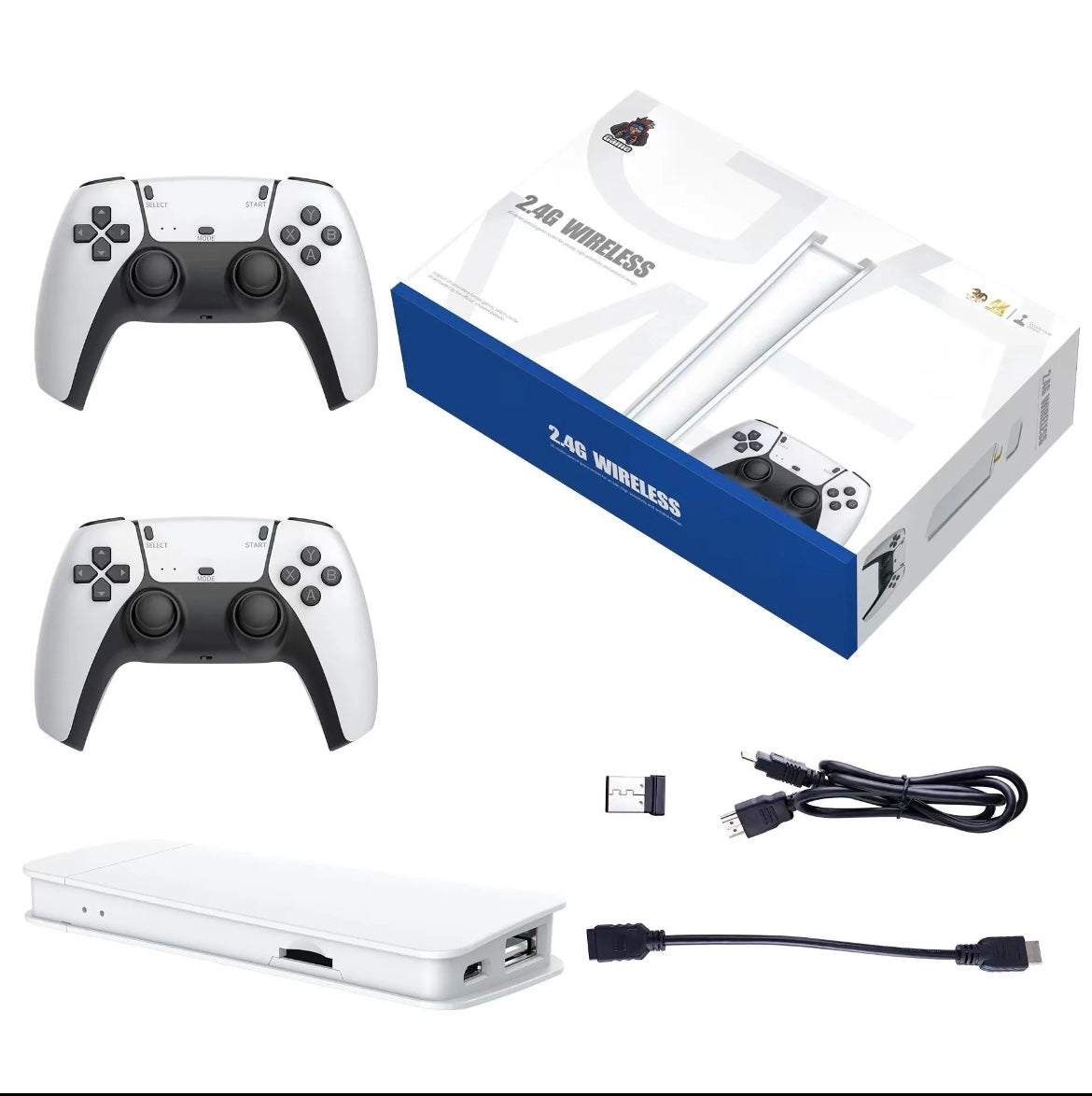
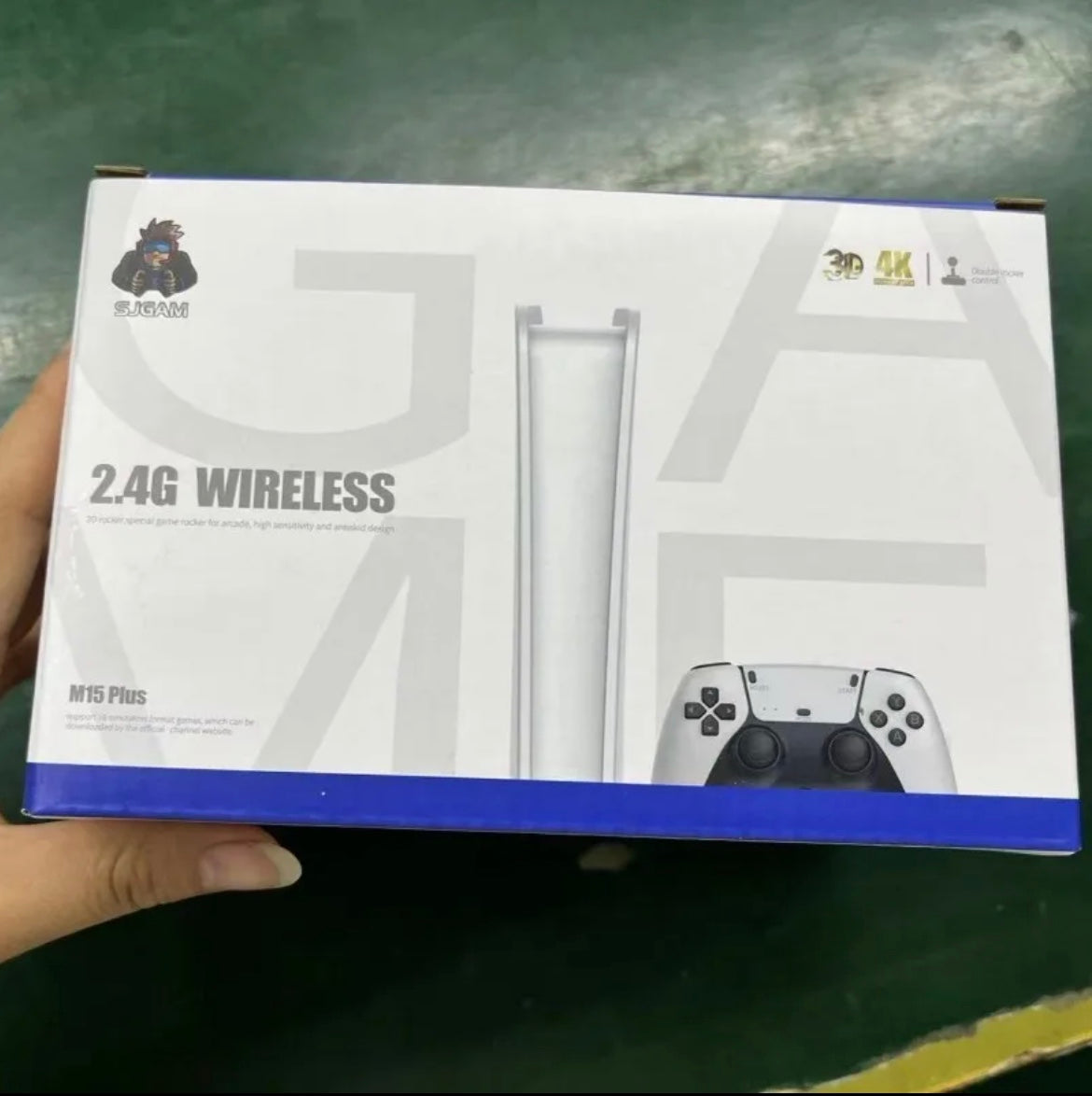
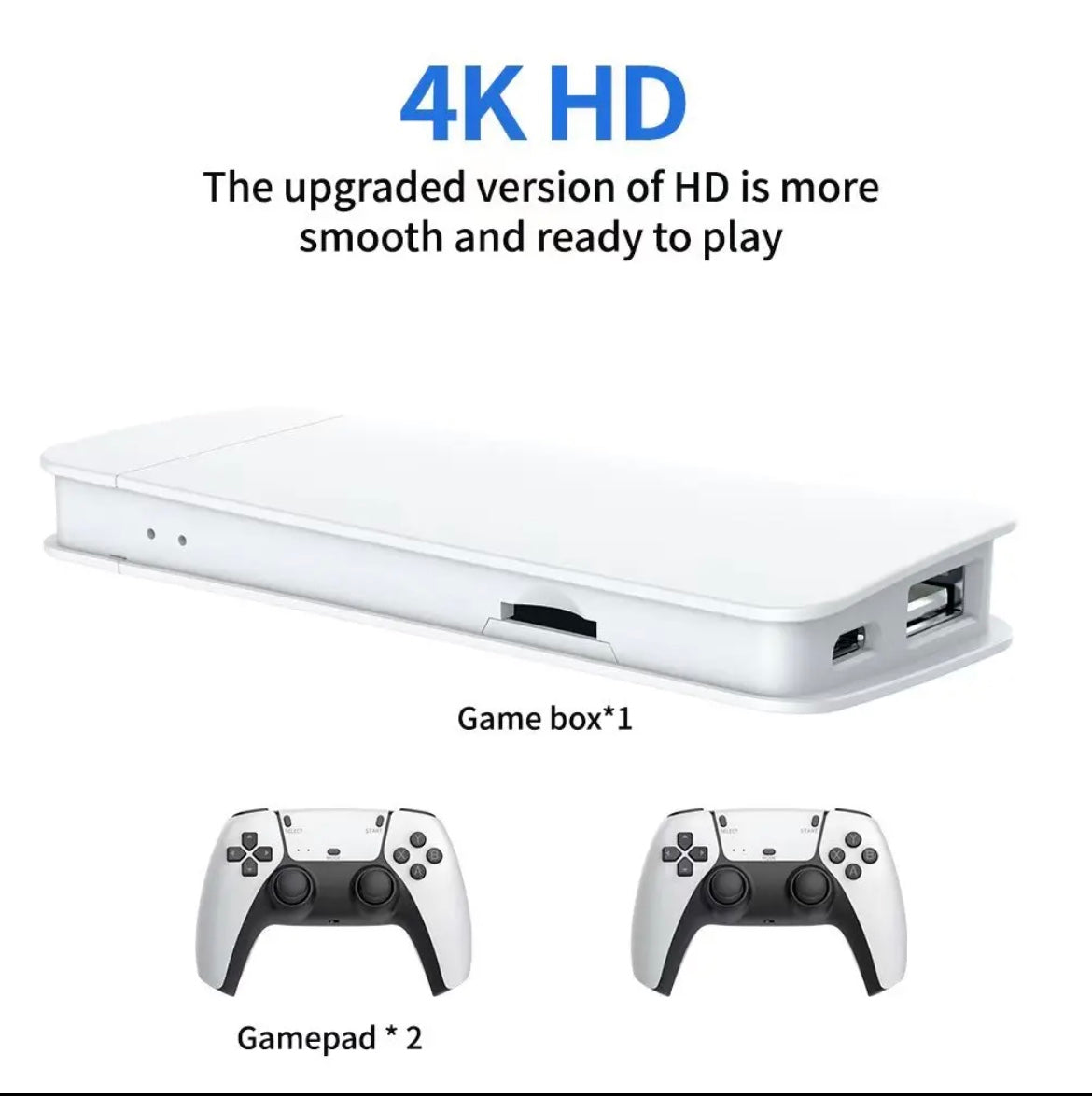
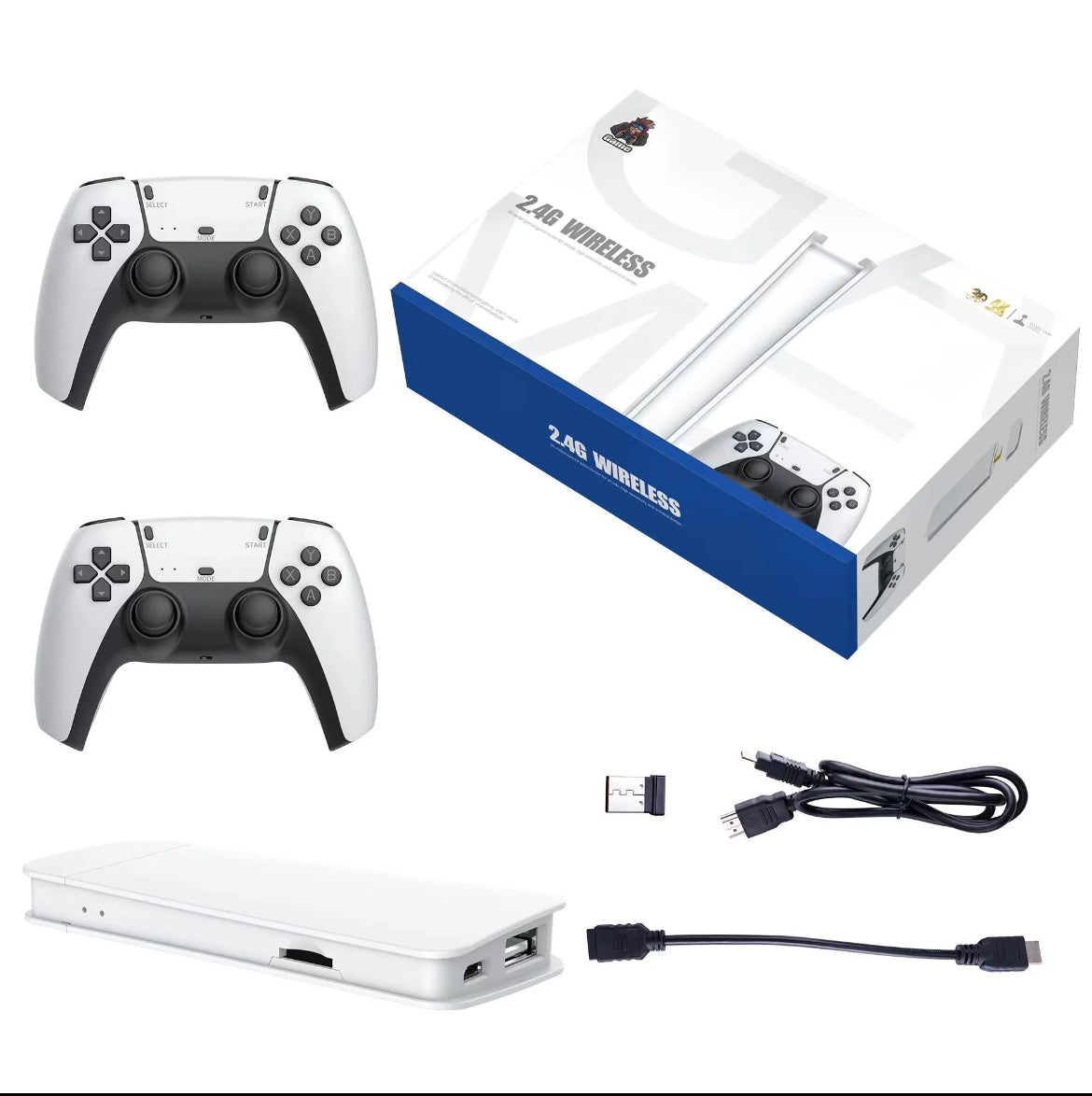
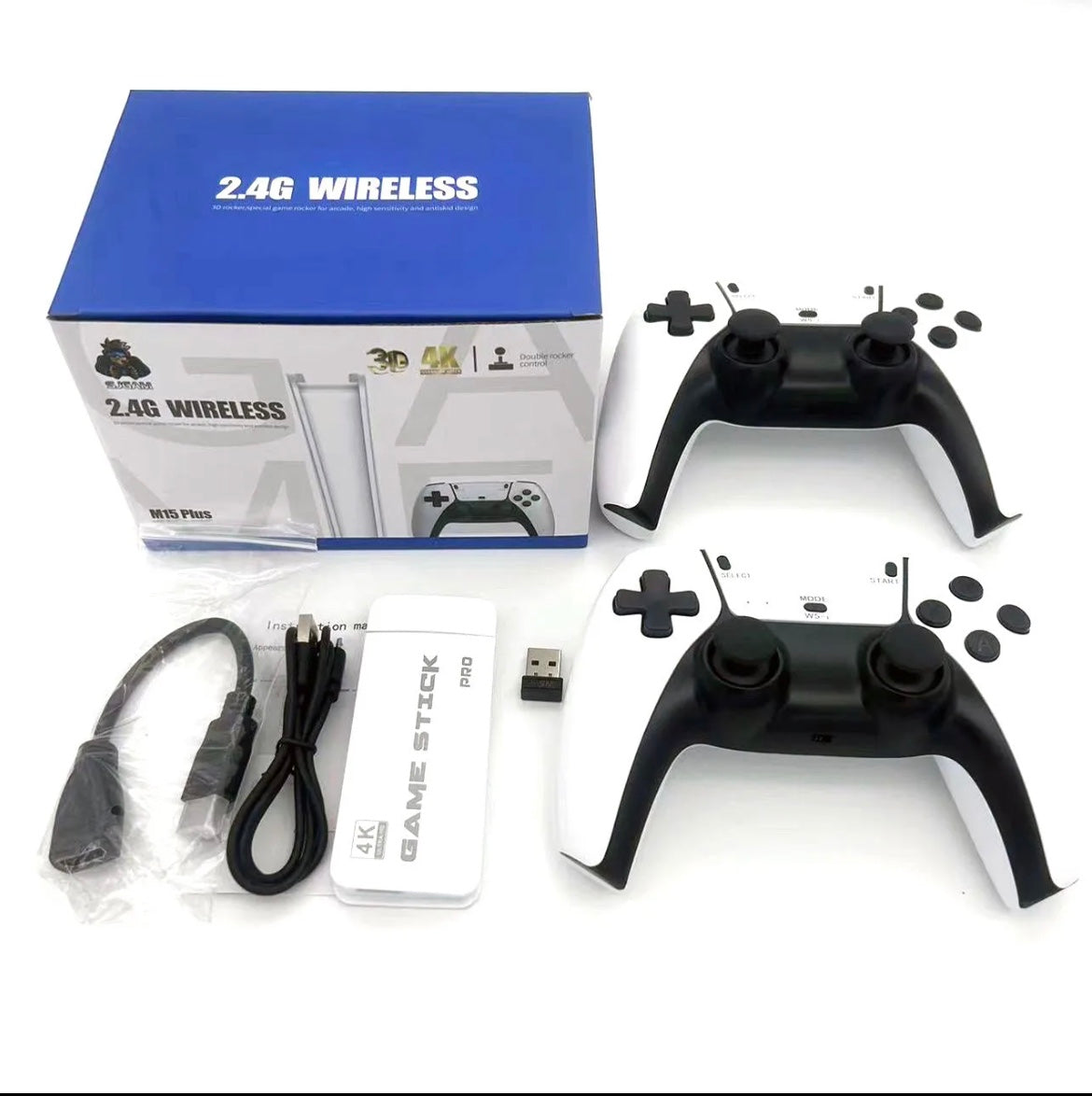
- 20,000+ retro games on a 4K game stick.
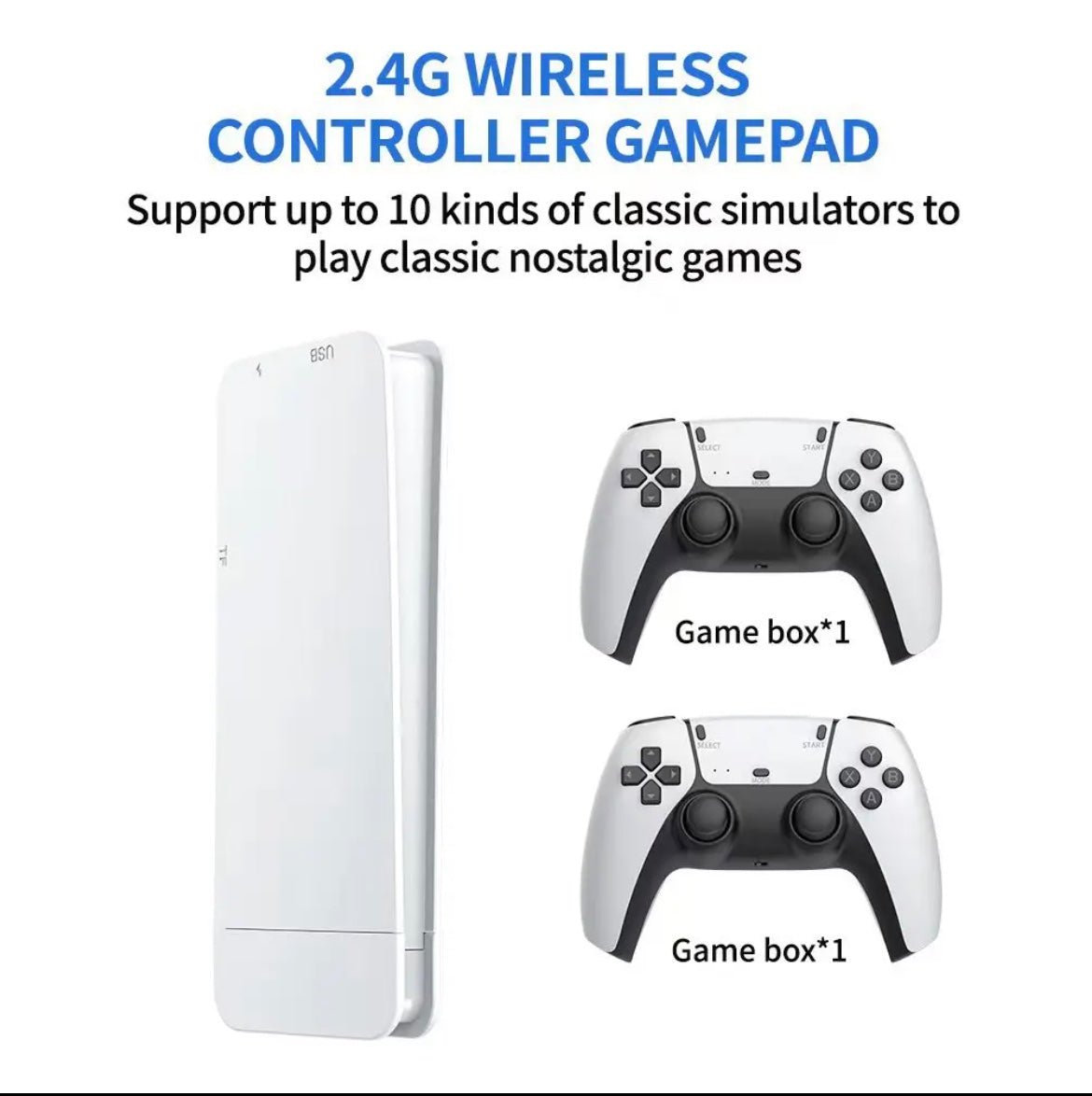
- Two wireless gamepads in the box.
- Plugs into any TV with HDMI.
How To Use It
Step 1: Connect the Game Console
Plug the game console into an available HDMI port on your TV. Use the HDMI extension cable if one is included.
Step 2: Connect the Power Supply
Connect the USB power cable to the game console and a suitable USB power source. Use the included power adapter if provided.
Step 3: Select the HDMI Input
Turn on your TV. Press the Input, Source, or HDMI button on your TV remote and select the HDMI port where the console is connected.
Step 4: Connect the Wireless Controllers
Insert the controller's USB receiver into the console or the supplied USB hub, if required. Install batteries or charge the controllers, then switch them on. Wait for them to connect automatically or follow the pairing instructions.
Step 5: Start Playing
Use the wireless controller to navigate the game menu. Select your favorite game and press the confirm button to start playing.
Troubleshooting Tips
- No Signal: Check the HDMI connection, power supply, and selected TV input.
- Controller Not Working: Check the batteries and ensure the USB receiver is connected correctly.
- No Picture: Make sure the console is powered on and the TV is set to the correct HDMI source.
Plug the game console into an available HDMI port on your TV. Use the HDMI extension cable if one is included.
Step 2: Connect the Power Supply
Connect the USB power cable to the game console and a suitable USB power source. Use the included power adapter if provided.
Step 3: Select the HDMI Input
Turn on your TV. Press the Input, Source, or HDMI button on your TV remote and select the HDMI port where the console is connected.
Step 4: Connect the Wireless Controllers
Insert the controller's USB receiver into the console or the supplied USB hub, if required. Install batteries or charge the controllers, then switch them on. Wait for them to connect automatically or follow the pairing instructions.
Step 5: Start Playing
Use the wireless controller to navigate the game menu. Select your favorite game and press the confirm button to start playing.
Troubleshooting Tips
- No Signal: Check the HDMI connection, power supply, and selected TV input.
- Controller Not Working: Check the batteries and ensure the USB receiver is connected correctly.
- No Picture: Make sure the console is powered on and the TV is set to the correct HDMI source.
How We Tested It
3 weeks of real use, in our own cars and in the shop.
It works every time, or we don't sell it.
It works every time, or we don't sell it.
Shipping & Pickup
Ships across Canada. Cost shown at checkout.
Pick up at Shop 1B14, 7215 Goreway Dr, Mississauga. Call first.
Pick up at Shop 1B14, 7215 Goreway Dr, Mississauga. Call first.