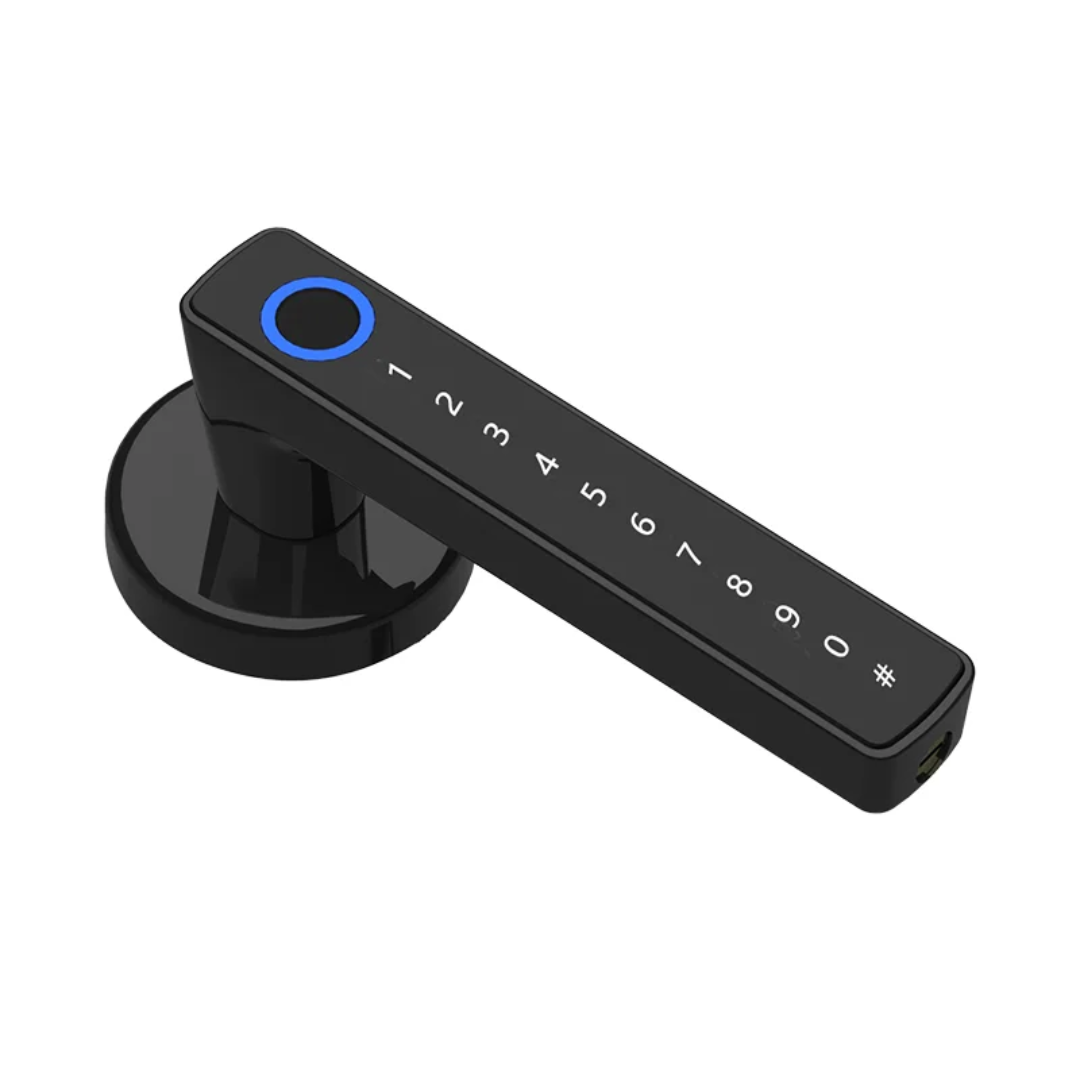
Smart Door Lock - Keyless Entry with Fingerprint & Code
Smart Door Lock - Keyless Entry with Fingerprint & Code
Regular price
$50.00
Regular price
Sale price
$50.00
Quantity
Couldn't load pickup availability
Tested In Our Shop
Ships Across Canada
Pick Up In Mississauga
- Opens five ways, including from your phone.
- Pairs with your phone in a minute.
- Made for homes and offices.
How To Use It
1. Install the Batteries
- Open the battery compartment and insert the required batteries.
- Make sure the batteries are installed in the correct direction.
2. Set Up the Lock
- Follow the included instructions to install the smart lock securely on your door.
- Complete the initial setup before using the lock.
3. Set Your Access Method
Depending on the model, you may be able to use:
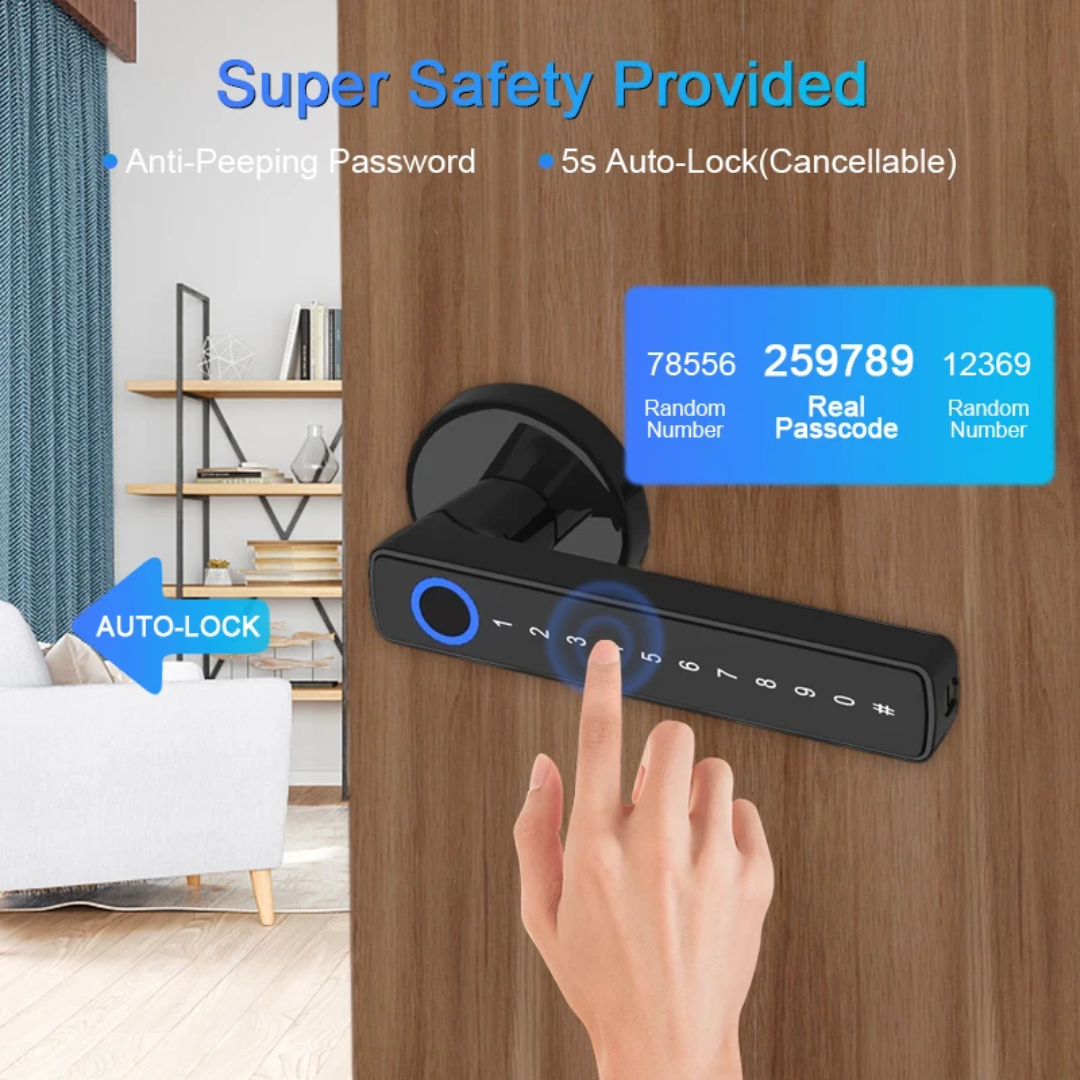
- 🔢 PIN Code: Create a personal access code.
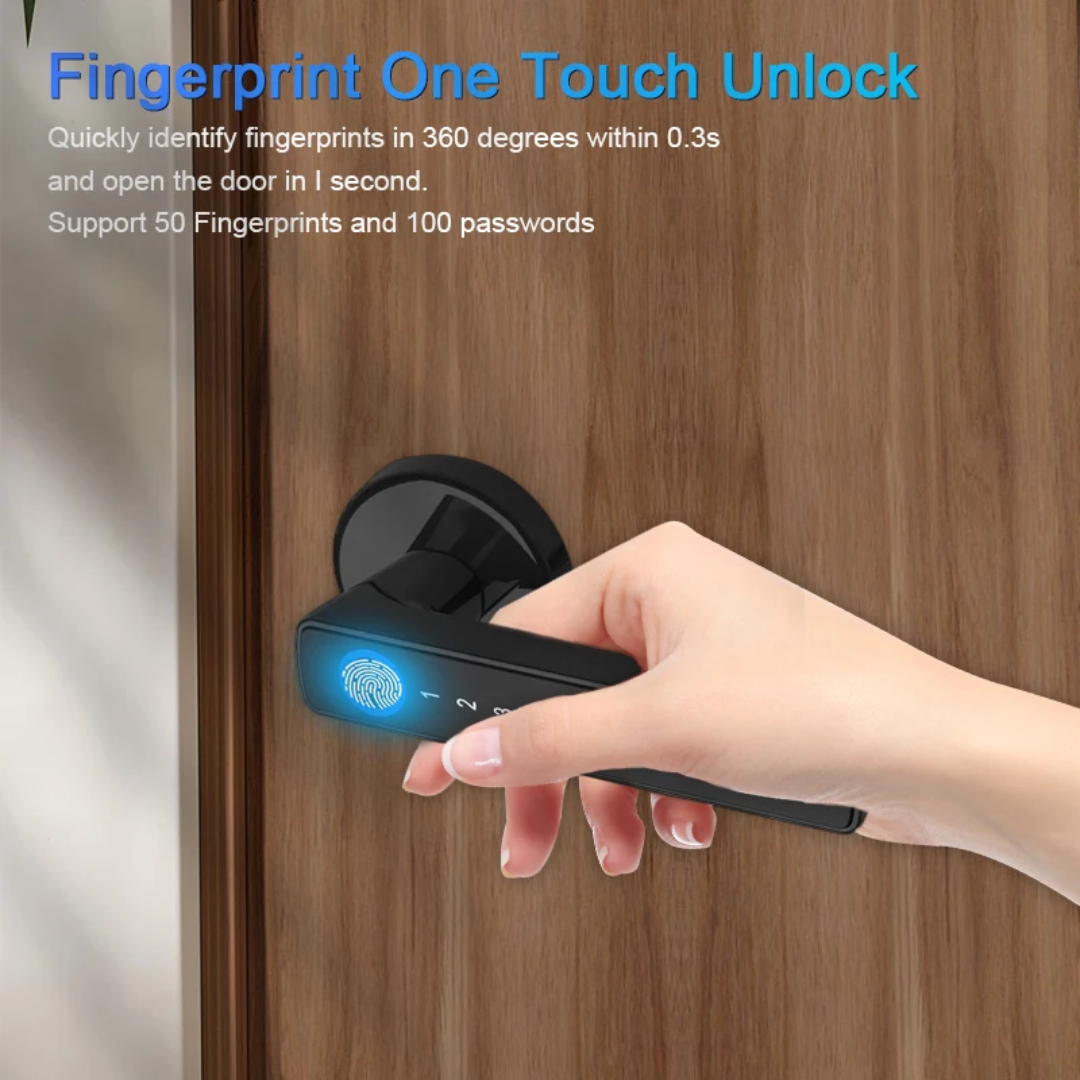
- 👆 Fingerprint: Register your fingerprint if supported.
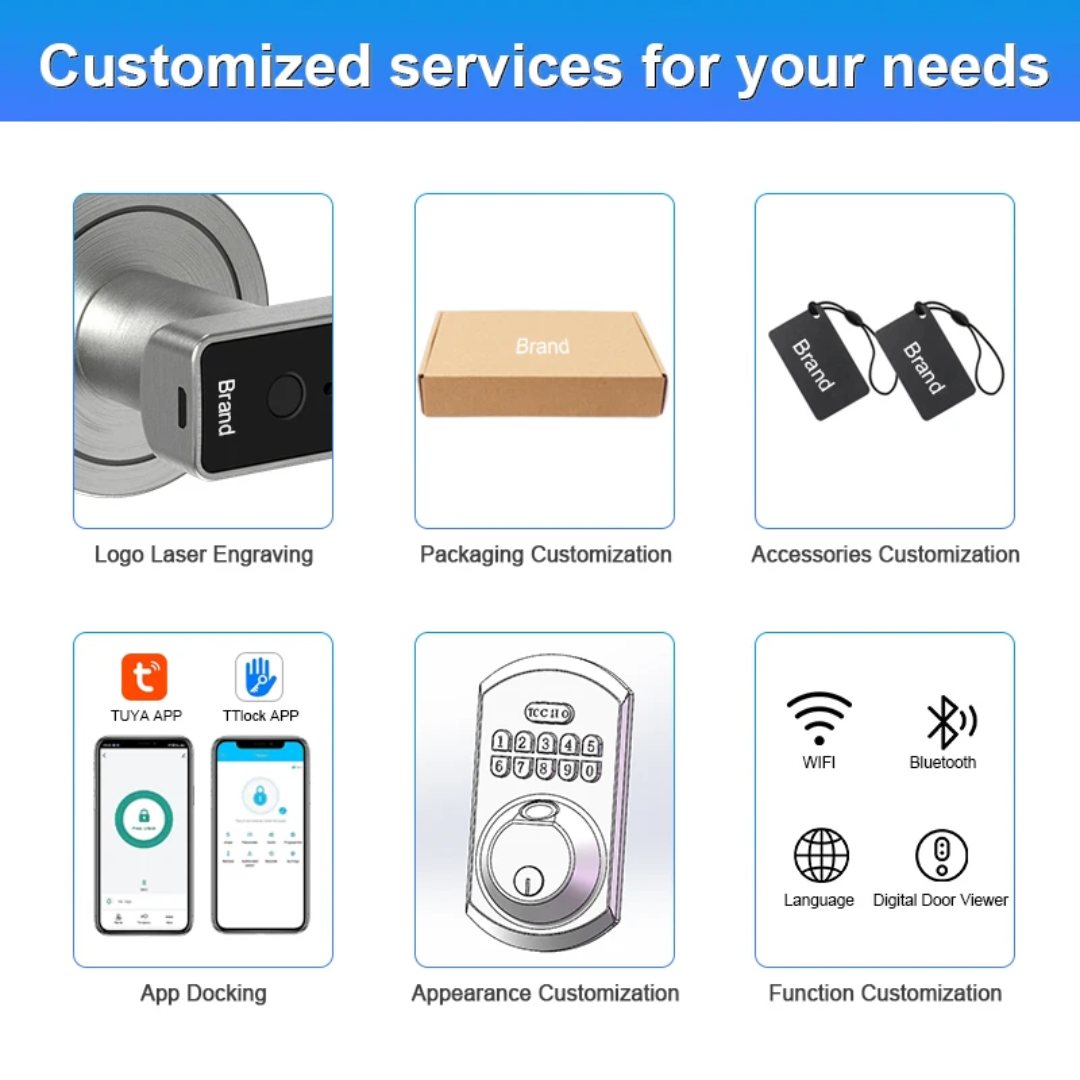
- 📱 Smartphone/App: Connect the lock to the compatible app.
- 🔑 Key: Use the backup key when needed.
4. Lock the Door
- Close the door securely.
- Enter your PIN, use your fingerprint, or use the app to lock the door, depending on your model.
5. Unlock the Door
- Enter your registered PIN or scan your fingerprint.
- If app control is supported, open the app and select Unlock.
- You can also use the backup key if the electronic functions are unavailable.
6. Manage Users
- Use the lock's settings or companion app to add or remove fingerprints, PIN codes, or authorized users.
- Only give access codes to people you trust.
7. Emergency Access
- Keep the backup key in a safe and accessible location outside the locked area.
- Open the battery compartment and insert the required batteries.
- Make sure the batteries are installed in the correct direction.
2. Set Up the Lock
- Follow the included instructions to install the smart lock securely on your door.
- Complete the initial setup before using the lock.
3. Set Your Access Method
Depending on the model, you may be able to use:
- 🔢 PIN Code: Create a personal access code.
- 👆 Fingerprint: Register your fingerprint if supported.
- 📱 Smartphone/App: Connect the lock to the compatible app.
- 🔑 Key: Use the backup key when needed.
4. Lock the Door
- Close the door securely.
- Enter your PIN, use your fingerprint, or use the app to lock the door, depending on your model.
5. Unlock the Door
- Enter your registered PIN or scan your fingerprint.
- If app control is supported, open the app and select Unlock.
- You can also use the backup key if the electronic functions are unavailable.
6. Manage Users
- Use the lock's settings or companion app to add or remove fingerprints, PIN codes, or authorized users.
- Only give access codes to people you trust.
7. Emergency Access
- Keep the backup key in a safe and accessible location outside the locked area.
How We Tested It
3 weeks of real use, in our own cars and in the shop.
It works every time, or we don't sell it.
It works every time, or we don't sell it.
Shipping & Pickup
Ships across Canada. Cost shown at checkout.
Pick up at Shop 1B14, 7215 Goreway Dr, Mississauga. Call first.
Pick up at Shop 1B14, 7215 Goreway Dr, Mississauga. Call first.