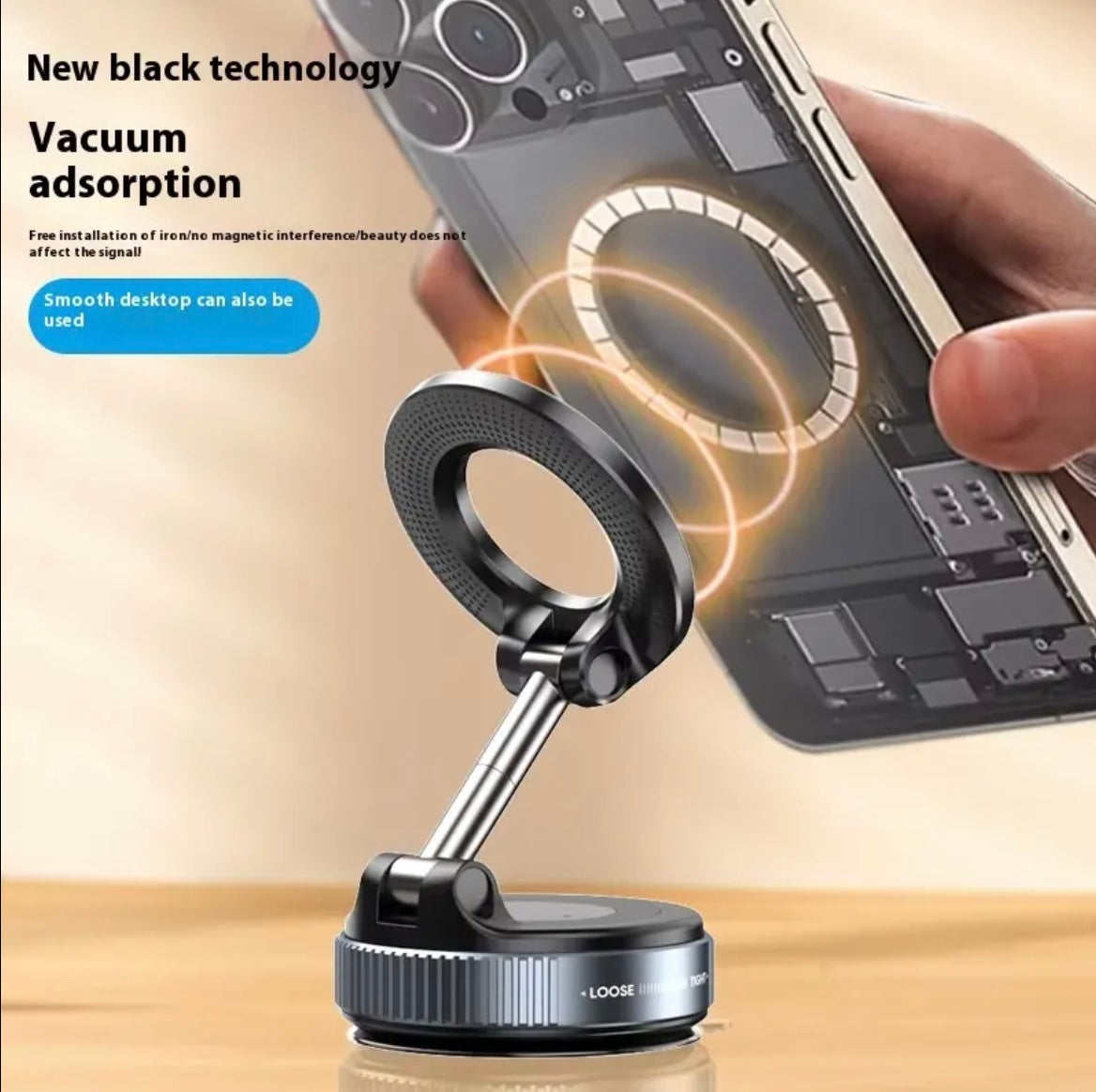
Vacuum Suction Car Phone Holder - Strong Suction Mount for Windshield & Dashboard
Vacuum Suction Car Phone Holder - Strong Suction Mount for Windshield & Dashboard
Regular price
$15.00
Regular price
$35.00
Sale price
$15.00
Quantity
Couldn't load pickup availability
Tested In Our Shop
Ships Across Canada
Pick Up In Mississauga
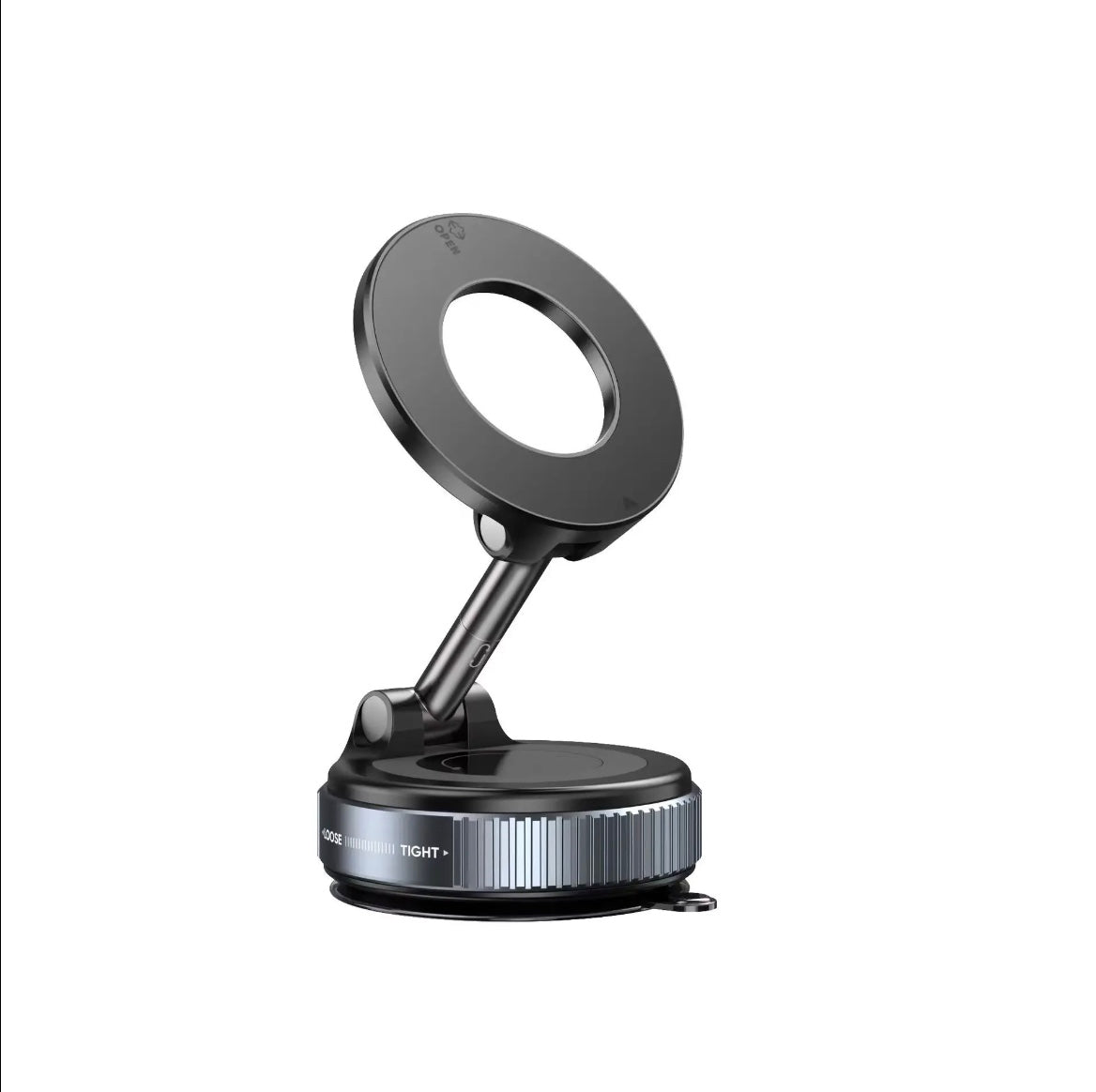
- N52 magnets hold phones up to 2.5 lbs through hard turns.
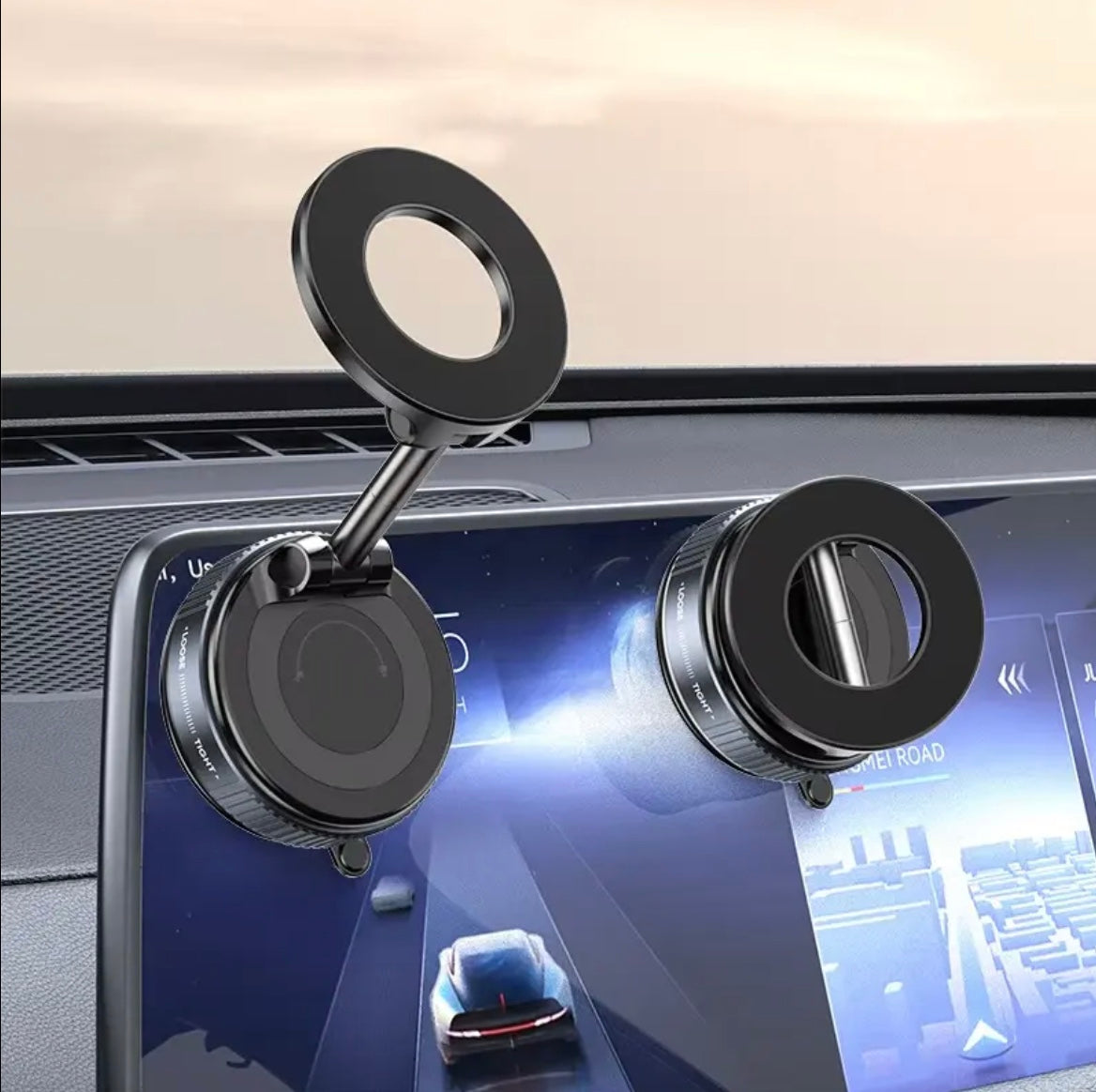
- Vacuum suction sticks to the dash or the windscreen.
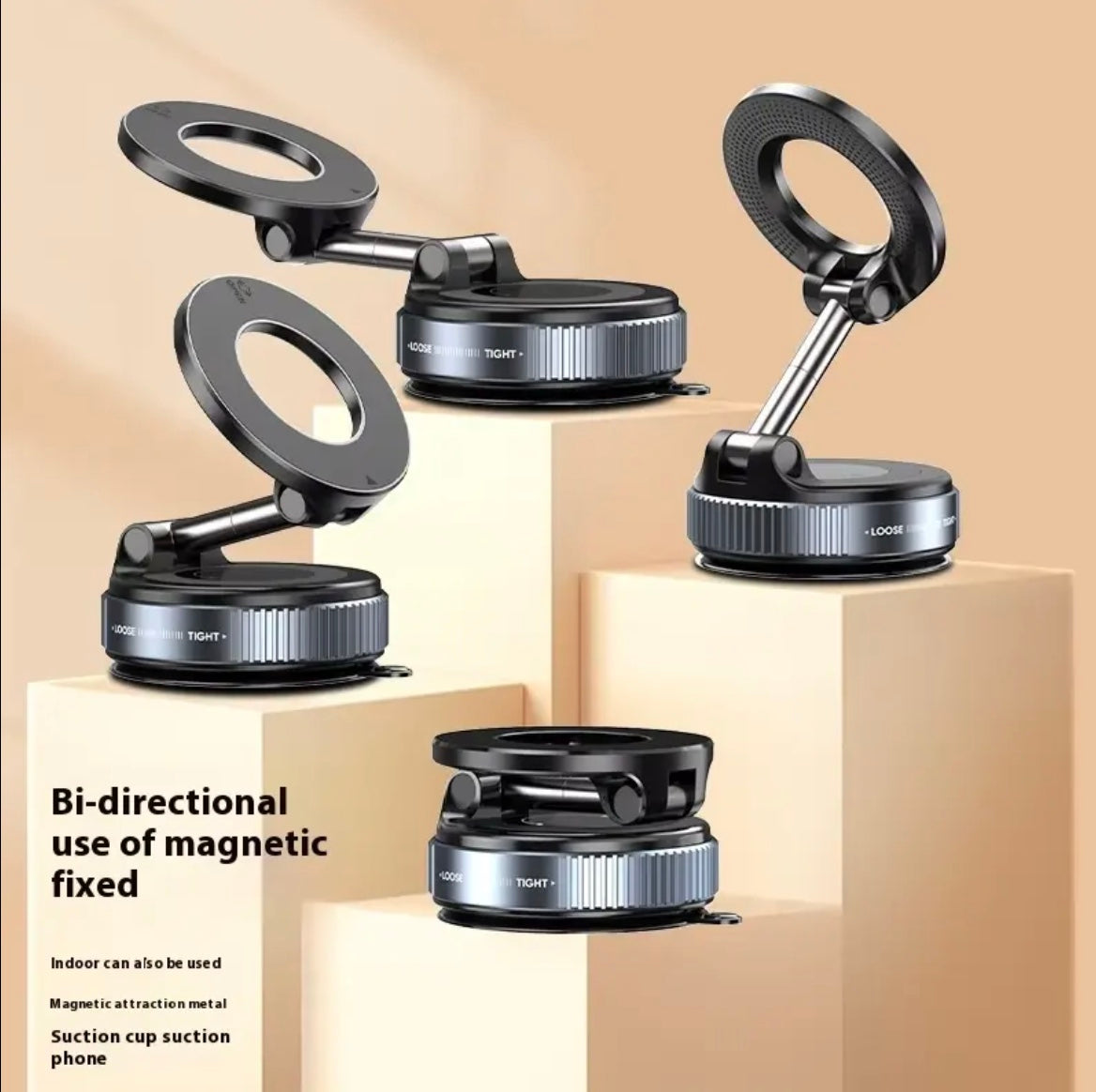
- Twist to release. Rotates 360°.
How To Use It
1. Choose the Mounting Location
Select a smooth, flat area on your car's dashboard or windshield where the holder will not block your view of the road.
2. Clean the Surface
Wipe the mounting area to remove dust, dirt, and grease. Make sure it is completely dry.
3. Attach the Suction Cup
Place the vacuum suction cup firmly against the dashboard or windshield. Press it down and activate the locking mechanism, if available, to secure the holder.
4. Prepare Your Phone
If your phone is not magnetic, attach the included metal plate to your phone or phone case, following the product instructions. Compatible magnetic phone cases may work without a plate.
5. Attach Your Phone
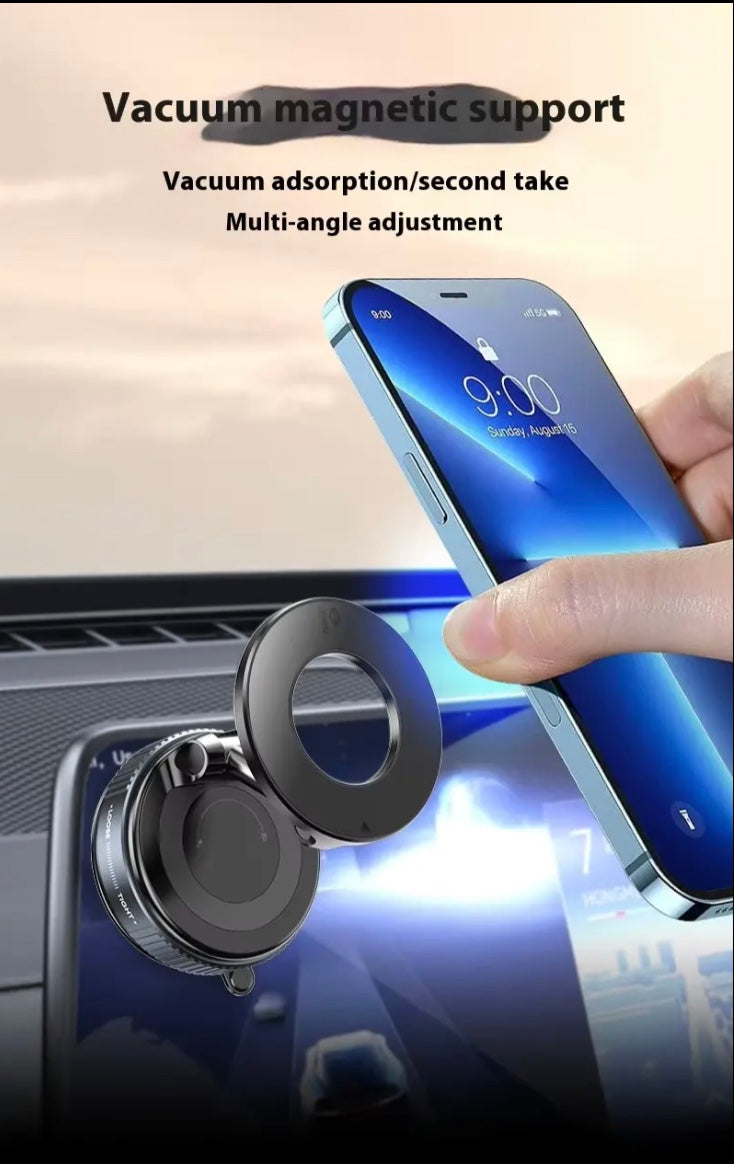
Bring the back of your phone close to the magnetic holder. The magnet will hold your phone securely in place.
6. Adjust the Viewing Angle
Rotate or tilt the holder to position your phone for convenient navigation and hands-free viewing.
7. Check Stability
Gently check that the suction cup is firmly attached and the phone is securely held before driving.
8. Remove Your Phone
Carefully pull your phone away from the magnetic mount. To remove the holder, release the suction lock and gently lift the suction cup's release tab.
Select a smooth, flat area on your car's dashboard or windshield where the holder will not block your view of the road.
2. Clean the Surface
Wipe the mounting area to remove dust, dirt, and grease. Make sure it is completely dry.
3. Attach the Suction Cup
Place the vacuum suction cup firmly against the dashboard or windshield. Press it down and activate the locking mechanism, if available, to secure the holder.
4. Prepare Your Phone
If your phone is not magnetic, attach the included metal plate to your phone or phone case, following the product instructions. Compatible magnetic phone cases may work without a plate.
5. Attach Your Phone
Bring the back of your phone close to the magnetic holder. The magnet will hold your phone securely in place.
6. Adjust the Viewing Angle
Rotate or tilt the holder to position your phone for convenient navigation and hands-free viewing.
7. Check Stability
Gently check that the suction cup is firmly attached and the phone is securely held before driving.
8. Remove Your Phone
Carefully pull your phone away from the magnetic mount. To remove the holder, release the suction lock and gently lift the suction cup's release tab.
How We Tested It
3 weeks of real use, in our own cars and in the shop.
It works every time, or we don't sell it.
It works every time, or we don't sell it.
Shipping & Pickup
Ships across Canada. Cost shown at checkout.
Pick up at Shop 1B14, 7215 Goreway Dr, Mississauga. Call first.
Pick up at Shop 1B14, 7215 Goreway Dr, Mississauga. Call first.